
How to setup password in Laptop: A simple guide
Setup password in laptop (windows) is really easy and simple steps. To ensure your laptop remains secure, it is essential to set a password during the installation of windows or later.
Creating a password for your laptop is crucial for security, as it helps to prevent unauthorized individuals from accessing personal files, financial information, and emails.
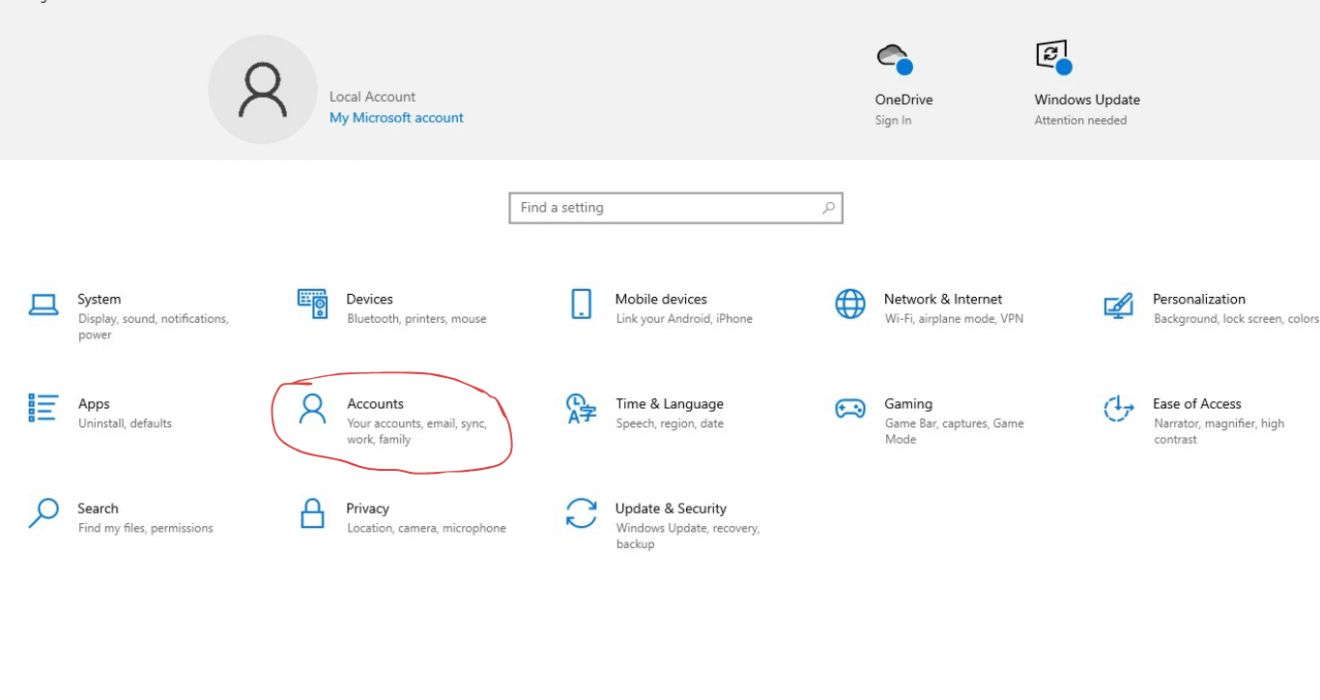
1. Open settings
2. Then go to Accounts section
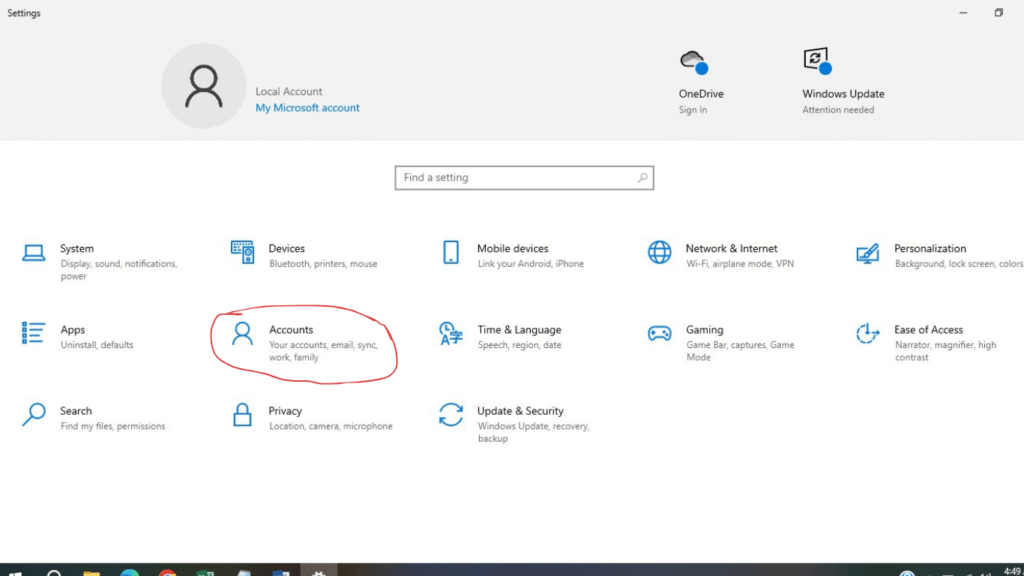
3. Click on accounts
4. Then select sign-in options.
5. Click on the Password to setup new or click on Change to update existing password.
Here you can setup password with password hint so you can easily remember it.
This is the simple steps to setup password in your laptop easily.
Hope this tutorial helpful to you.
